
Upscale image quality with AI
Super Resolution makes blurry, low-resolution images sharper with clean edges, better texture, and print-ready detail.
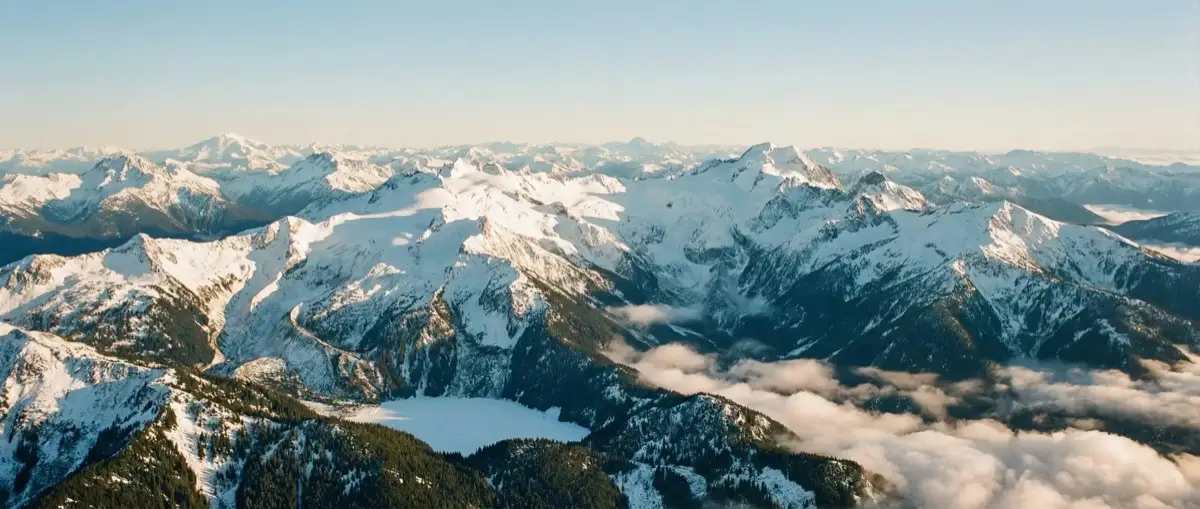
AI upscaling built for cleaner detail
Improve resolution, sharpness, and texture without the plastic look common in basic enlargers.
Sharper Edges
Recover clearer contours for portraits, products, screenshots, and scanned images.
Larger Outputs
Enlarge images for print, ecommerce, ads, and social without obvious softness.
Fast 2x to 4x
Choose the upscale level you need and get results in minutes.
Made for creators, stores, and archives
Use AI super resolution to rescue compressed assets, improve listings, and prepare images for bigger formats.
E-commerce Images
Clean up product photos for sharper listings, marketplaces, and ad creatives.
Old Photos & Scans
Bring back clarity in legacy photos, scanned prints, and saved screenshots.
Marketing & Design
Scale source assets for banners, decks, thumbnails, and campaign variations.
Super resolution with practical control
Super Resolution gives you fast upscale presets tuned for better clarity and cleaner textures.
2x, 3x, and 4x Upscaling
Pick the enlargement level that fits your final use case, from quick cleanup to larger export.
Texture Recovery
Restore fine texture and local contrast while keeping subjects readable and natural.
Simple One-Image Workflow
Upload one image, choose the scale, and send it straight to the upscale engine.
Trusted for cleaner enlargements
Teams use it when they need sharper assets quickly.
It rescued small product photos that were too soft for our storefront.
Maya R.
E-commerce Manager
The 4x mode gives us larger social assets without the usual crunchy artifacts.
Daniel T.
Growth Designer
Useful for scanned archive images when we need something sharper before layout.
Lena C.
Content Producer
Fits into your existing image workflow
Frequently Asked Questions
Quick answers about AI image upscaling and super resolution.